Work
Support replies
Show the fix instead of typing it out line by line.
Fast macOS GIF recorder
Record a part of your screen, polish it quickly, and share it in the apps you already use. No trial-wall workflow, no unnecessary steps, and no bulky recorder feel.
Launch waitlist
Windows and Linux are on the radar, but the current test cycle is focused on making the macOS release stable.
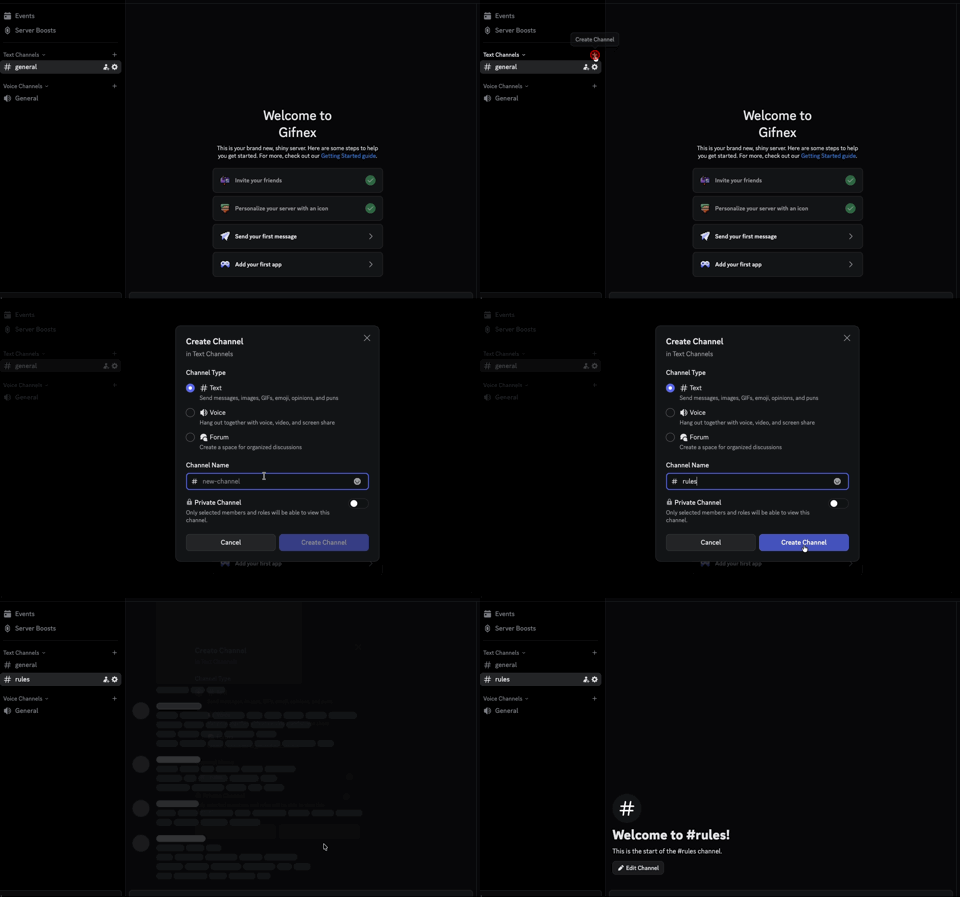

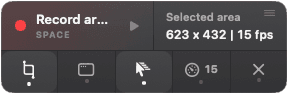
Example capture playing inside the selection zone, showing how Gifnex can frame and share a real screen moment.
Used at work and for fun
The product works best when a static screenshot is too flat and a full video is too much. It is equally good for work, tutorials, and small visual moments you just want to send.
Work
Show the fix instead of typing it out line by line.
Work
Capture the issue while the context is still fresh.
Work
Explain a small workflow without recording a full video.
Fun
Drop a screen moment into chat when a GIF says it faster.
Core features
The homepage now focuses on the strongest promise: fast capture, clean editing, and frictionless sharing.
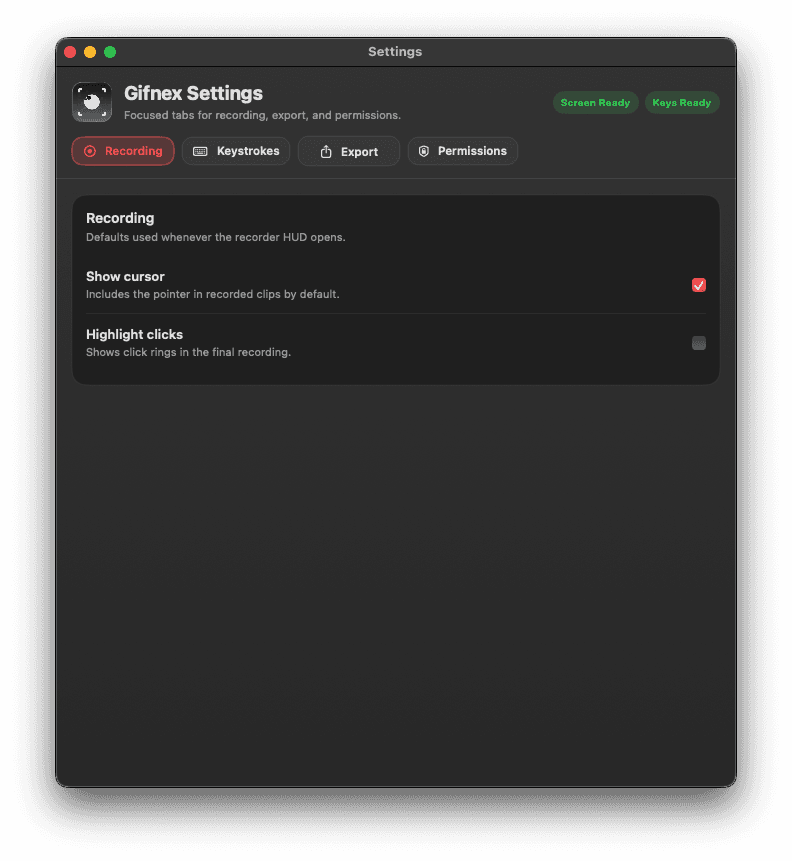
Capture
Pick an area, keep the cursor when it helps, and start recording without opening a bloated recorder workspace.
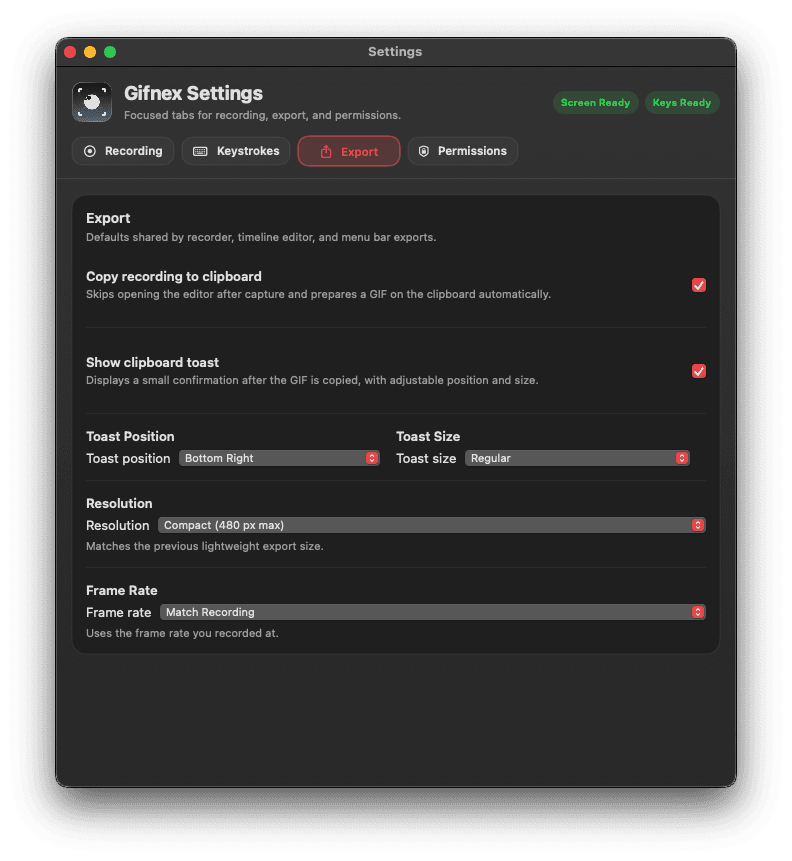
Share
Gifnex is designed for communication apps, issue trackers, docs, and team chat, so sharing feels immediate instead of procedural.
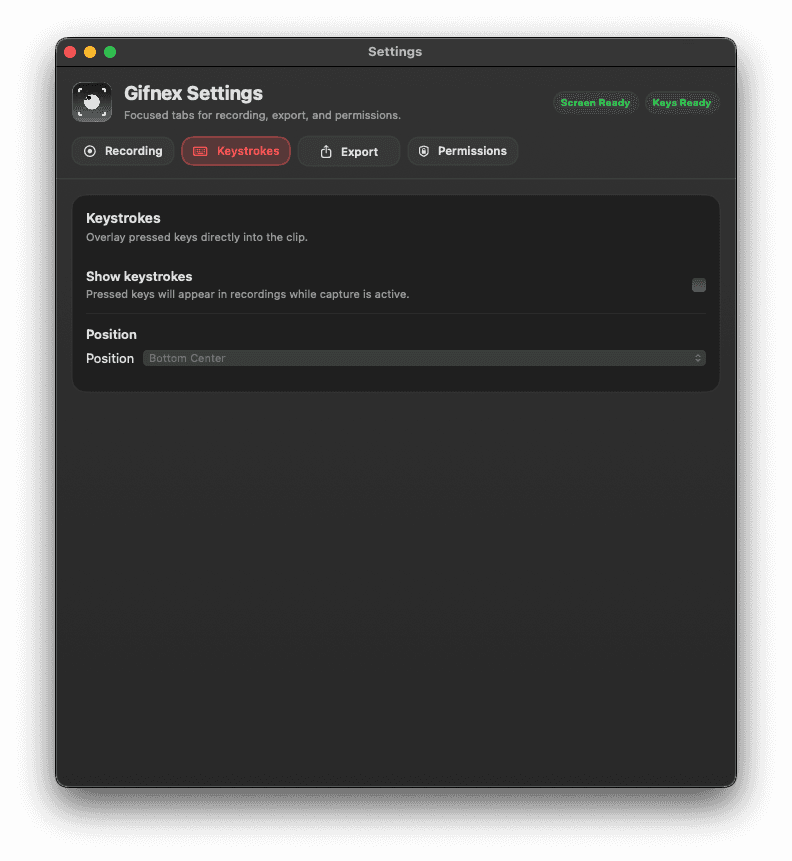
Control
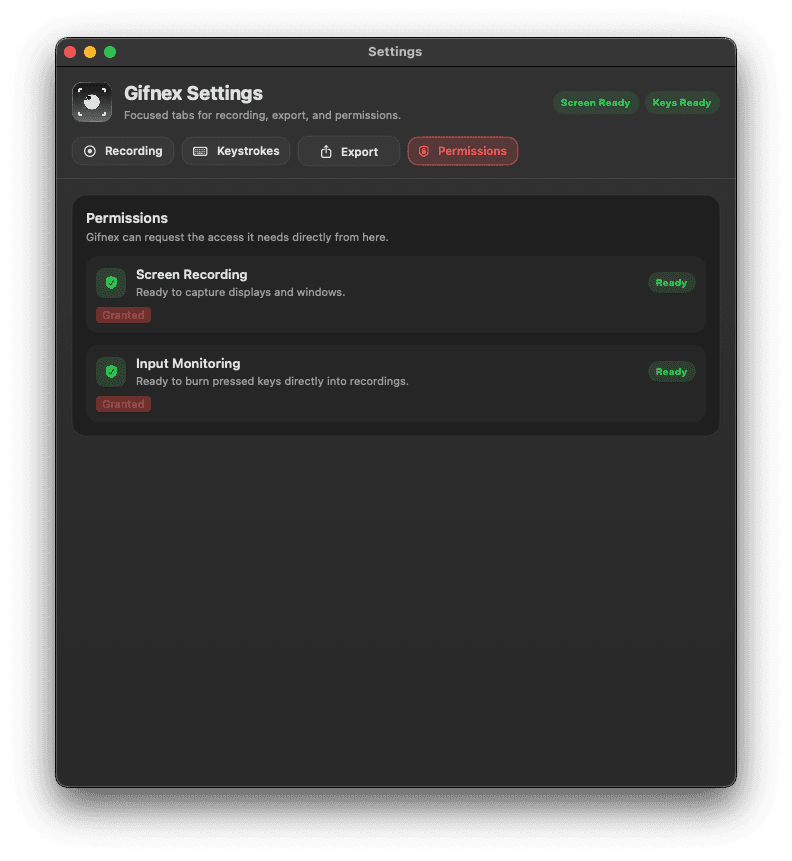
Permissions, hotkeys, and defaults stay visible so the product feels stable and trustworthy before the first real capture.
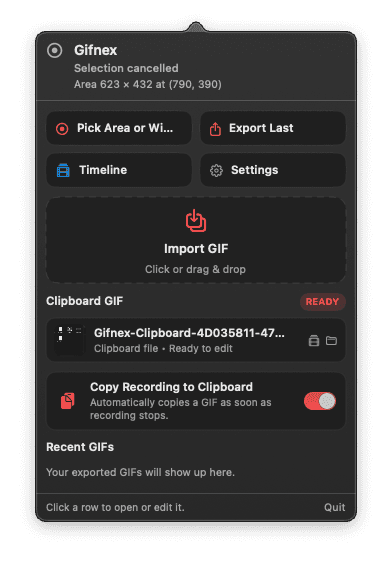
Workflow
Launch from the menu bar and frame the exact part of the screen you want to show.
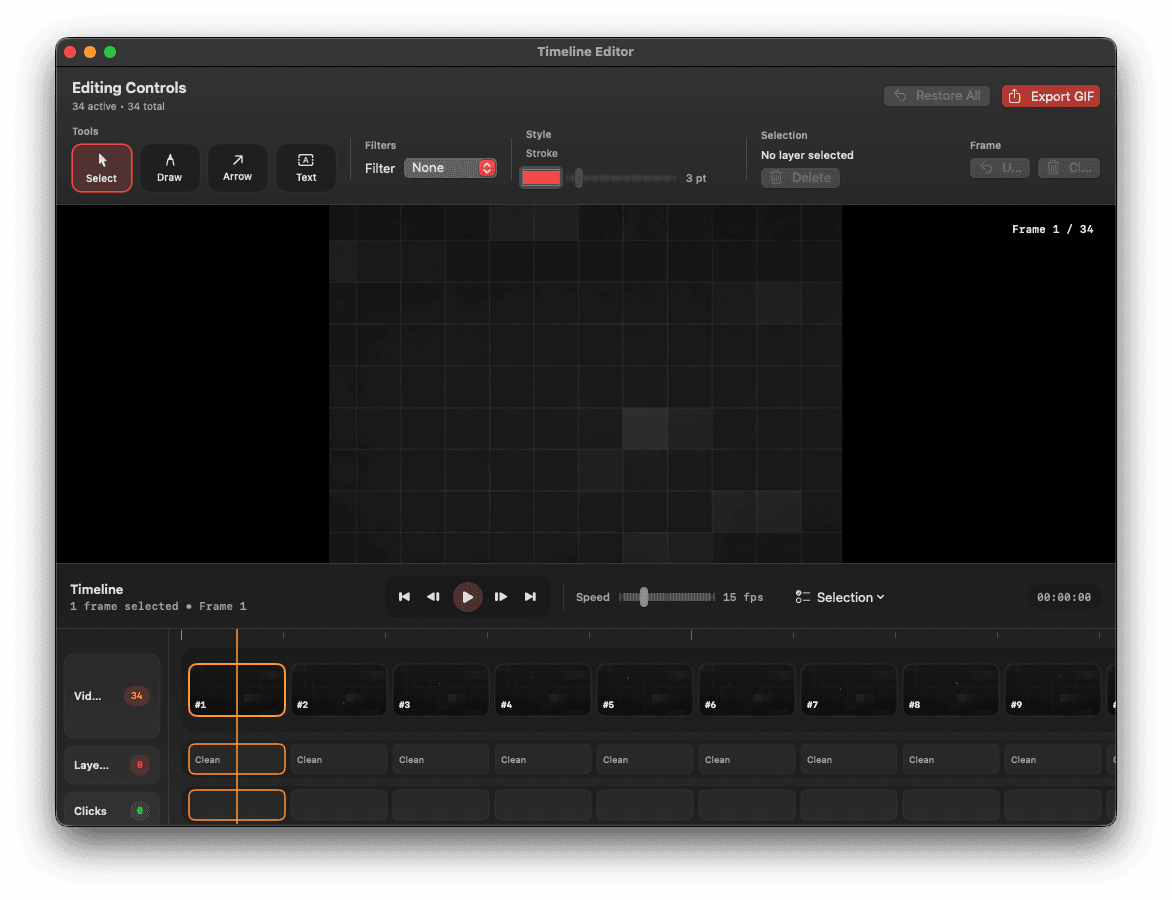
Use the built-in editor when a clip needs a cleaner sequence or a quick markup pass.
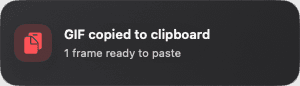
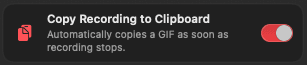
Copy the GIF to clipboard and send it where the conversation is already happening.
Built-in editor
The editor matters because it turns Gifnex from a simple recorder into something you can actually ship a final asset from.
Trust signals
Ready-state indicators, permissions, and shortcuts are part of the product story because fast tools still need to feel stable.
Founder note
I created Gifnex because I wanted a faster and simpler way to share what I see on my screen. While looking for a good GIF recorder for macOS, I found that many tools were either limited by trial periods or were missing features that made the workflow efficient.
Gifnex was built with a simple goal: record a part of your screen and instantly share it in the apps you already use. No complicated steps, no unnecessary barriers.
Gifnex is not just for work, but also for fun. People use GIFs to explain things, report bugs, share tutorials, or just send something funny to a friend. I believe creativity and communication should be fast, simple, and accessible to everyone.
— Founder of Gifnex
Built by Norvex
Download and beta access
Join the waitlist to get notified when the macOS beta opens, when the first public build is ready, and when future platform updates become real rather than speculative.
FAQ
Gifnex is a fast macOS GIF recorder for capturing a part of your screen, cleaning it up quickly, and sharing it in the apps you already use.
Not yet. Gifnex is still in testing, so the current call to action is joining the waitlist for beta access and launch updates.
It is for professional and casual use alike: support replies, bug reports, tutorials, product walkthroughs, and quick visual moments you just want to send to a friend.
Because the product promise is speed with clarity. If recording and sharing takes too many clicks, the tool gets in the way instead of helping communication.